
Hustler Plan Starter List: Who Wins With Level 1
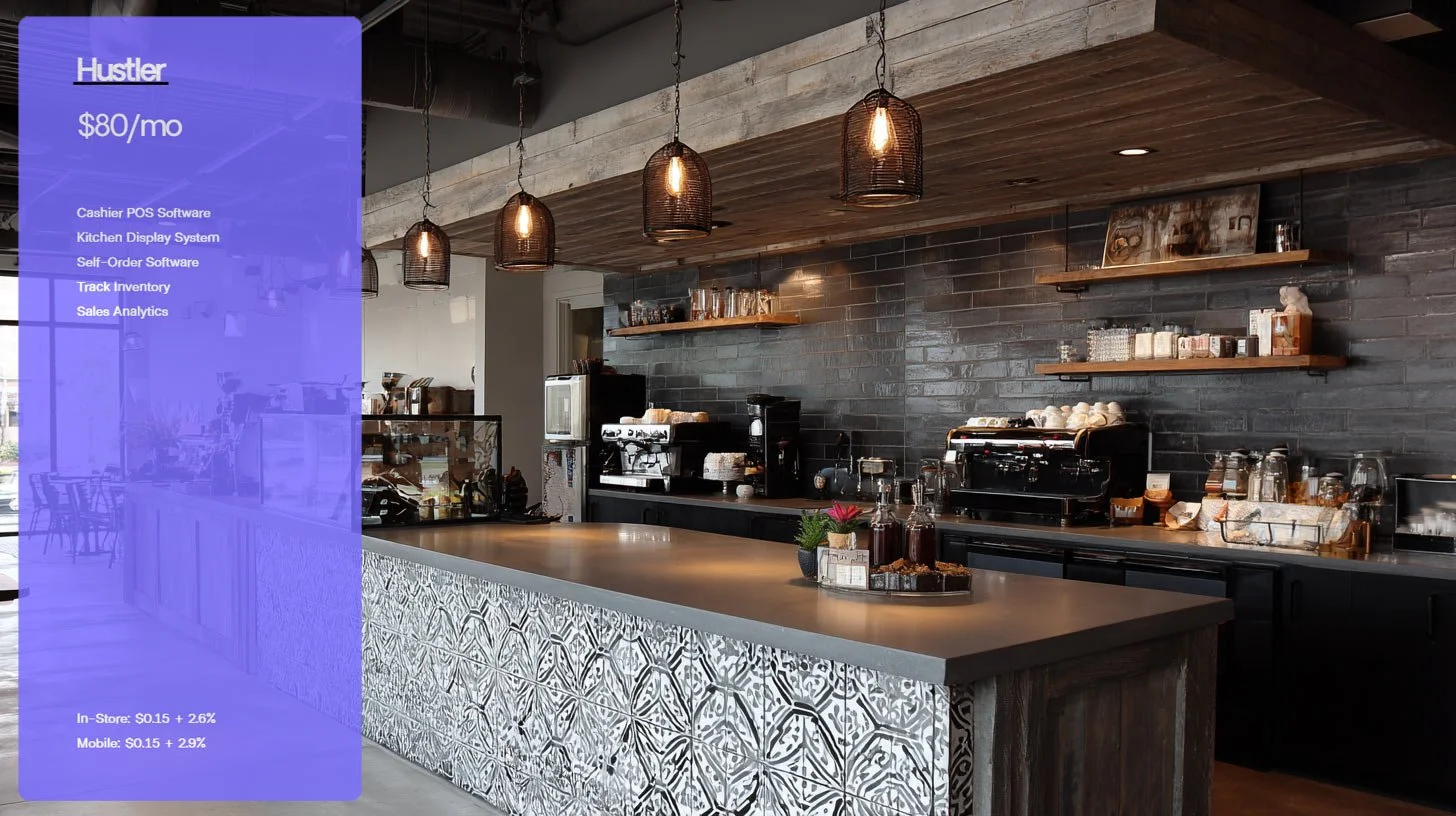
Start Lean, Move Fast, Learn What Sells
Getting open fast matters. The Hustler plan gives you the core tools to take orders, keep the line moving, and see what sells. You get Cashier POS Software, an Order Display System, Self-Order Kiosk software, simple inventory tracking, and sales analytics. For $80 per month, it is a clean launch pad for small teams that want speed without extra fluff.
Who This Plan Fits Best
These concepts can start strong with the Hustler toolkit. Each one pairs well with cashier checkout, on-screen barista/kitchen tickets, and optional self-order during rush times.
Coffee bars and espresso stands
Walk-up windows and sidewalk counters
Drive-thru only huts
Grab-and-go cafes inside offices or lobbies
Bakeries and donut shops
Bagel and breakfast sandwich spots
Juice and smoothie bars
Ice cream and dessert counters
Food trucks and seasonal pop-ups
Pizza by the slice and sandwich shops
Salad and grain bowl counters
Tea houses and boba shops
Stadium, market, and event kiosks
Campus and hospital micro cafes
Hotel lobby coffee bars
Breweries or taprooms with a simple food menu
How The Features Map To Each Business
Match your business model to what the plan includes so you can hit the ground running.
Cashier POS Software
Fast ringing with clear modifiers for milk, size, toppings, and add-ons. See order history option to print receipts or sticker labels. Perfect for coffee bars, boba shops, and slice counters that need quick totals and clean receipts.Order Display System
Orders appear on screens by station. Espresso gets shots and milk. Cold bar sees iced drinks. Hot food sees all food items except for those in the pastry case. Ideal for bakeries, sandwich lines, and food trucks that have moved beyond paper tickets.Self-Order Kiosk Software
Flip the same device to the Self-Order Kiosk mode during peaks and place in an ideal area of the cafe to mitigate lines. Works for drive-thru windows, lobbies, co-ops, and small counters where a second lane shortens the wait.Track Inventory
Count key items, set low stock alerts, stop overselling, and know when to reorder. Helpful for pastry cases, dough proofing, smoothie prep or roasting schedules that rely on a predictable list of inputs.Sales Analytics
See hour-by-hour sales, item mix, and average ticket. Great for deciding what to feature on the menu board, when to staff up, and what to drop.
Why Start With Hustler
You can open lean, then add more later. The plan cuts clutter and keeps daily work simple.
One screen for orders, one screen for the line
Digital tickets with the option for paper tickets
Faster training for new hires
Clear numbers to guide staffing and menu changes
Launch Tips
A few basics help you get full value on day one.
Build items with short names and only the modifiers you need
Place the Order Display System in the kitchen or barista counter where the line can see it without glare
Use self-order during morning and lunch peaks only
Review top ten items every week and adjust prices or placement