

Frequently Asked Questions
The Savor Live FAQ page is designed to give clear, simple answers to the most common questions about using the platform. Here you’ll learn how ordering works for drinks, products, and pickup options, what customers can do in the mobile app, and how Savor Live helps your business run more smoothly day to day. Whether you’re looking to speed up in-store service, sell products online, or understand real-time ordering, this page covers the essentials so you can get the most out of Savor Live.
FAQs (3/6/26)
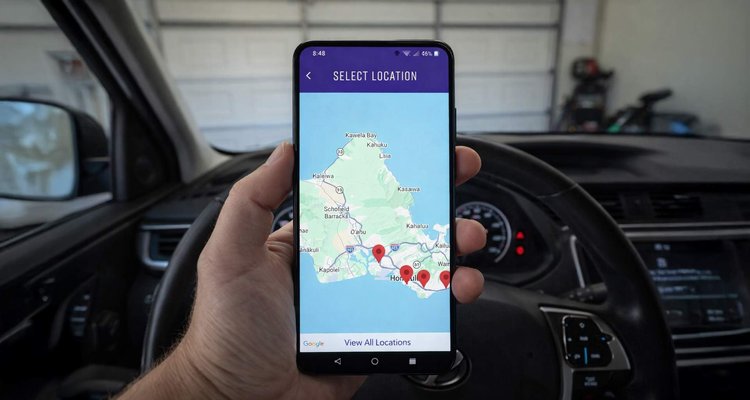
Need to Change Your Pickup Spot? Here’s How It Works with Savor Live
Can you change your pickup location on Savor Live? Yes, but only before completing your order. Learn how to switch locations in the app, cancel an order, or remove items from your cart with this simple step-by-step guide.
Read More
FAQs (2/20/26)
Can You Update Savor Live From Mobile, Tablet or Desktop? Here’s How It Works
Wondering if you can edit your Savor Live app or products from your phone, desktop, or the app itself? Here’s the simple answer: use the dashboard on desktop or mobile to make updates, while the app stays a customer-facing experience.
Read More
FAQs (2/9/26)
Can we disable items automatically when we run out (86 items)?
Yes, Savor Live can disable items automatically when you run out. By setting an inventory count, turning on Track Quantity, choosing a low-stock notification level, and using the Sell When Out of Stock option, you can control availability without constant manual updates. Inventory is connected between the app and POS, and the app sends SMS alerts when quantity is low.
Read More
FAQs (2/6/26)
Can Savor Live Apps Run on Both iOS and Android?
Yes, the Savor Live app works on both iPhone and Android. Learn how Savor Live supports publishing to the Apple App Store and Google Play Store, what costs to expect, and why being on both platforms helps your business grow.
Read More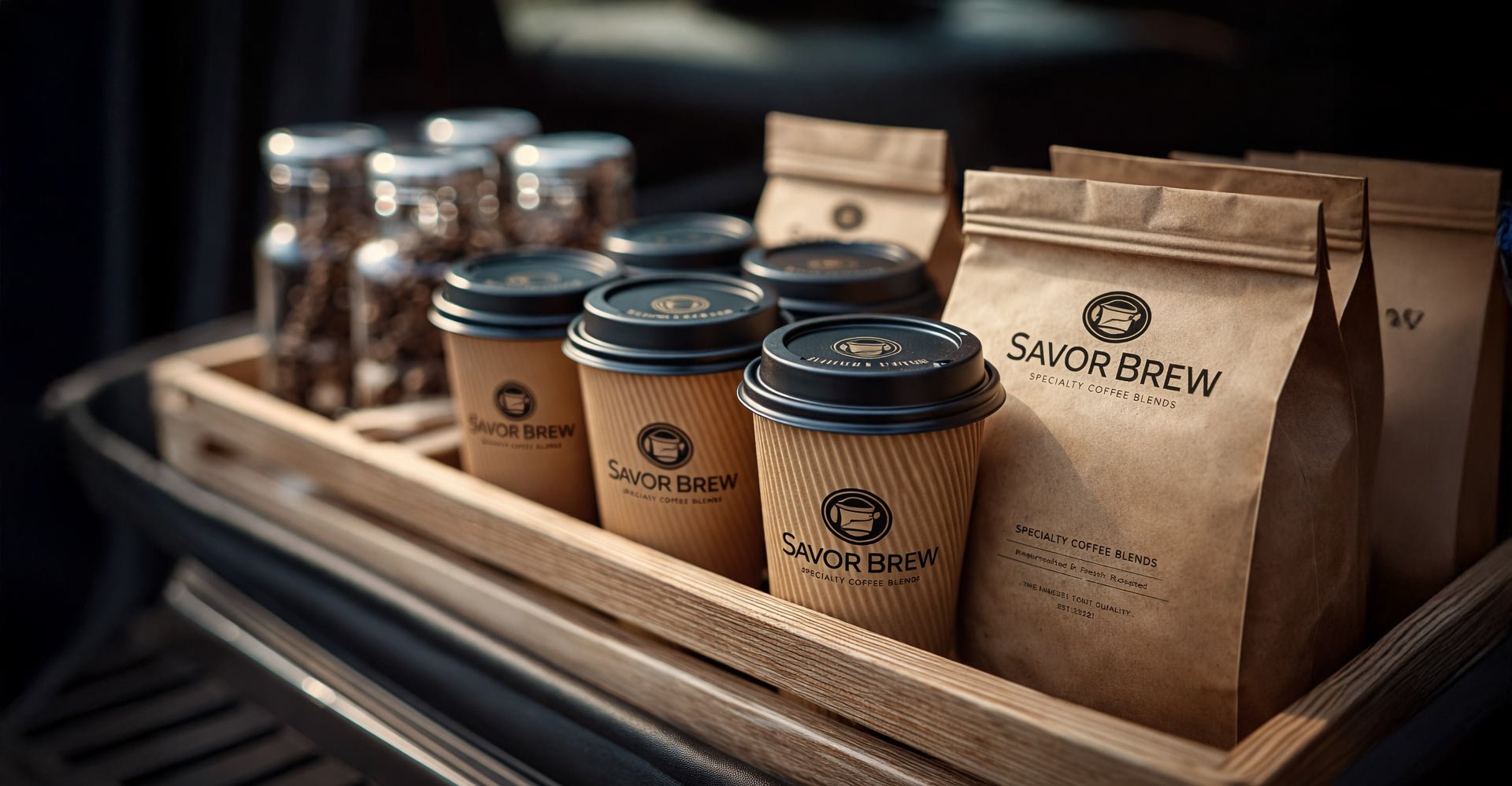
FAQ (2/3/26)
Can I schedule an order for later pick-up?
Savor Live helps you sell more by letting customers order drinks in real time for quick pickup, while still offering coffee bags, products, and tickets ahead of time for pickup or shipping. Every order goes straight into your system, so sales can keep coming in even when your shop is closed.
Read More