
Get Started In Minutes: Your Savor Live 7-Day Free Trial
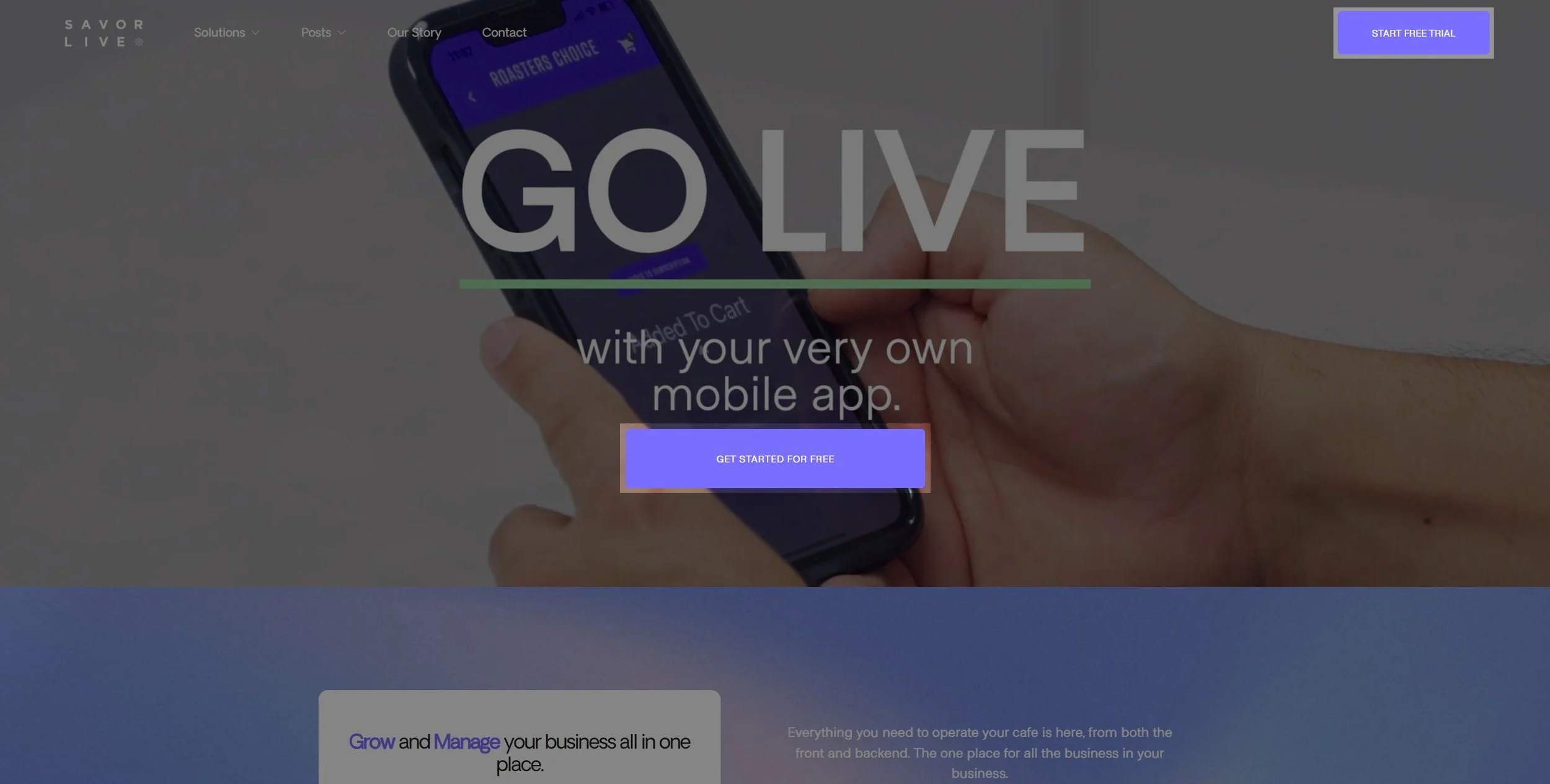
Ready to launch your own mobile app and POS tools fast? Here is a clear, step-by-step guide to create your Savor Live account, start your free trial, and get your first setup tasks lined up. You will finish with a dashboard login and a simple plan for the next five steps we will cover in separate posts.
How to Sign Up
Step 1
Click Get Started for FREE on the Savor Live home page.
Step 2
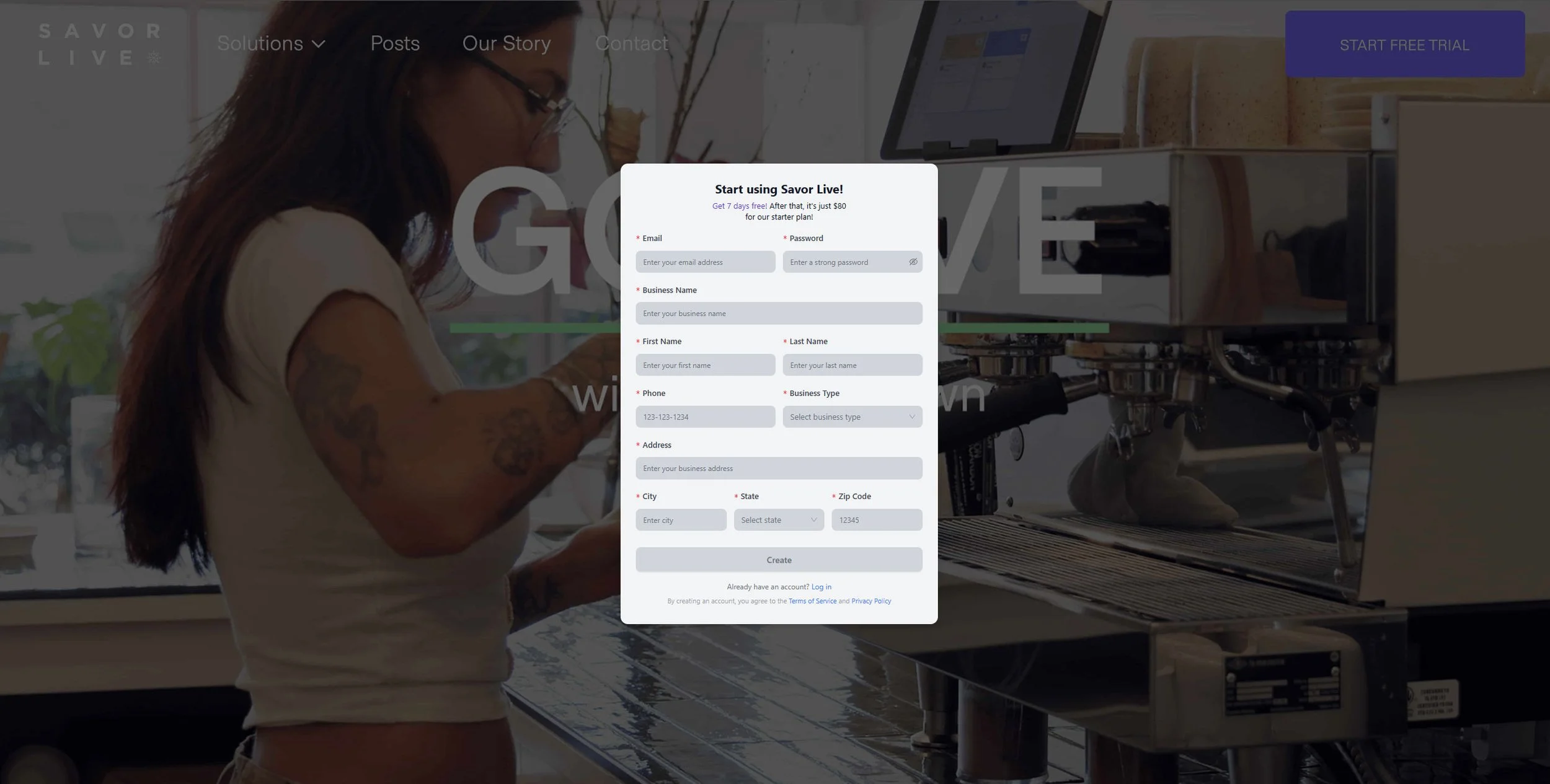
Fill out the registration form with your business details. Use a work email you check often.
Step 3
Submit the form. You will land on your Partner Portal page, where your free trial begins.
How to log in later
Return to our site and click Free Trial in the top navigation, or go straight to the dashboard here: https://partner.savorlive.com/user/login
What Happens Next
After you create your account, you will see a short checklist. These are the first five steps we will cover in separate posts. For now, use this as your preview.
Make it stand out
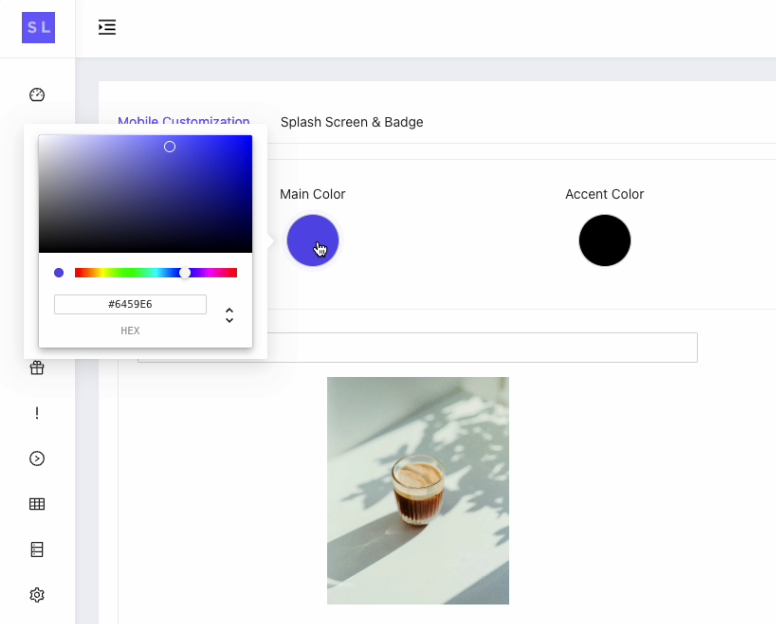
A) Customize Your Mobile App
Set the look so it feels like your brand.
Upload 3 main images
Choose main and secondary colors
Add your badge icon and splash screen
B) Set Up Location and Hours
Make sure guests see where and when you serve.
Add address and phone
Set open and close times for pickup orders by day and time
Turn on the fulfillment types you plan to use (Pickup or shipping)
C) Create Your First Product
Build a simple item to test your flow.
Name, category, and short menu description
Sizes and prices
Product image or videos
D) Add Image, Fulfillment, Modifiers
Show the item and how it can be made.
Product photo
Fulfillment type like pickup or ship (*subscription feature can be turned on by request)
Modifiers such as size, milk, syrups, or add-ons (*Creating you Product Categories/Sizes/Modifiers first makes this easier)
E) Get Ready To Process Payments
Complete the financial form to activate your payment platform and accept credit cards.
Secure onboarding powered by Elavon of U.S. Bank
Deposit details and tax information
Quick Tips For A Smooth Start
Keep your first menu small so testing is fast
Use clear photos and short names
Place a test order to walk through the staff and customer user experience
Invite a teammate to review the app on their phone
Get help anytime from the Savor Live Team using the Partner Portal chatbot