
Stand Smart, Serve Fast: SoftPOS Display Stands That Win the Line
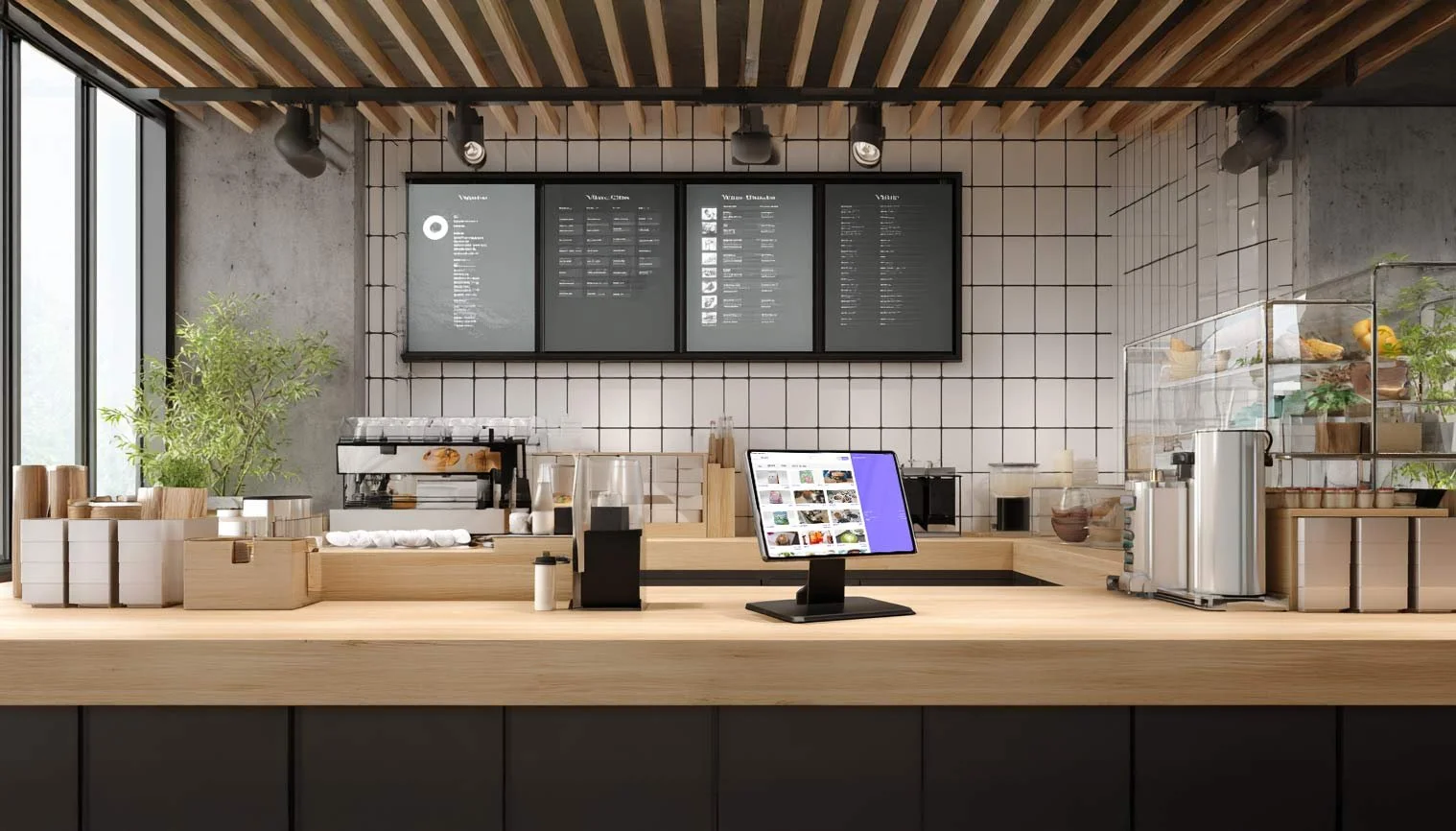
Place the Stand Right and Watch the Line Fly
A good SoftPOS display stand turns any phone or tablet into a professional checkout point. It keeps the device stable, looks clean, and makes it easy to spin the screen for tips or signatures. With the right placement, these stands guide customer flow and help you move more orders during every rush.
Stands make payment simple and predictable. Staff know exactly where to take the card, and customers see where to tap without guessing.
Solid base that does not wobble
Tilt and swivel for customer facing prompts
Cable management for a tidy counter
Cases and locks that protect the device
A secure, organized counter builds trust. When the payment spot is clear, people pay faster and leave happier.
Fixed location prevents hunting for the reader
Less clutter reduces accidental bumps and spills
Cleaner look that matches your brand
Easier cleaning during and after rush
Placement That Speeds Up Turnover
Where you place the stand is just as important as the stand itself. Smart locations split the crowd, shorten waits, and keep traffic moving.
Put the main stand at the end of the production line so handoff and payment are one motion
Add a second stand near the door for line busting and quick drinks
Use a small stand at the pickup shelf for order ahead issues and quick add ons
Keep aisles clear so customers can exit without crossing the incoming line
Think of the stand like a lane marker. It tells guests what to do next and stops the counter from turning into a traffic jam.
Clear tap target visible from a few feet away
Signage above eye level that reads Pay Here
Floor decals to show where to stand
Space for one customer at a time to prevent crowding
Why Stands Help You Sell More
Fast, smooth payments raise orders per hour. The fewer seconds you spend wrangling a loose device or tangled cable, the more time you spend making drinks.
Quicker checkouts cut walkaways during peak
Easy screen flip supports tip prompts
Stable device reduces payment errors and retries
Consistent setup makes training faster
Setup Tips That Pay Off
Small details add up. Treat the stand as part of your service design, not just a mount.
Bolt the stand to the counter for security
Place the tap target within easy reach for all heights
Keep a charger connected to avoid low battery surprises
Test glare and angle at different times of day
Wipe the screen and base often so it looks cared for
Measure and Improve
Track a few numbers to prove the impact and keep tuning your layout.
Average transaction time by station
Orders per hour during peak windows
Walkaway rate when the line is long
Tip rate before and after adding a swivel